

If you’re running Meta ads and you’re not tracking the right actions, you’re basically guessing. Pixel events are what tell Meta which clicks turned into real results like leads, purchases, or key page visits. Once your events are set up properly, Meta can learn faster, find better people, and reduce wasted spend.
This is especially important if you’re working with a social media marketing agency or managing campaigns in-house and want your ads to bring in real enquiries not just likes and traffic.
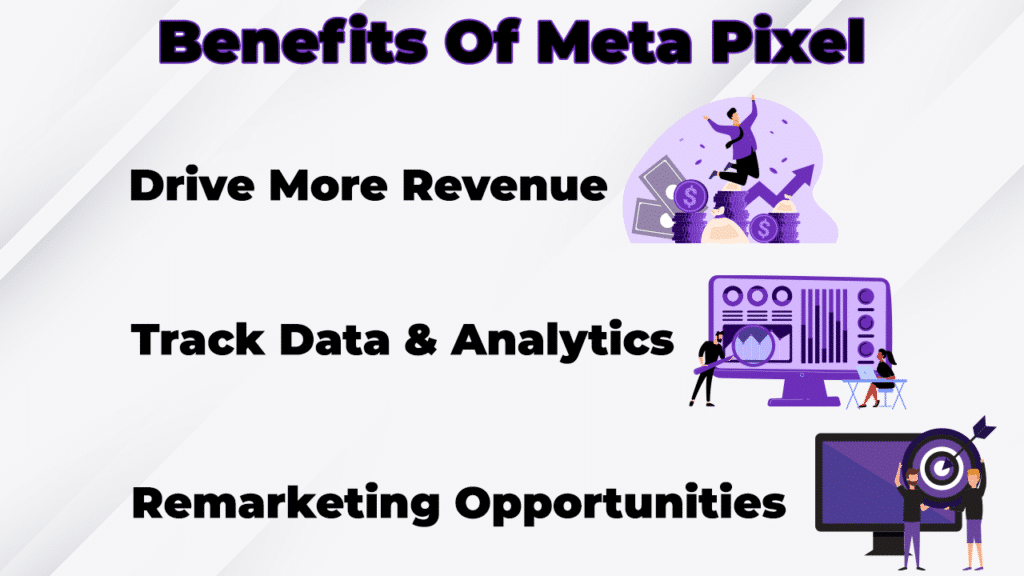
In this guide, we’ll break down how to set up Pixel events in a simple, step-by-step way, plus the most common mistakes Singapore businesses should avoid.
What are Pixel events ?
A Pixel event is an action you want to track on your website. Examples include:
-
Someone viewed a product page
-
Someone clicked “Contact”
-
Someone submitted a lead form
-
Someone completed a purchase
When Meta receives these signals, it can optimise your campaigns to find more people who are likely to take the same action. That’s how you go from “getting clicks” to getting leads and sales.
This is also why Pixel events are a must if you’re investing in digital marketing singapore campaigns and want performance you can measure.
Step 1: Install the Meta Pixel correctly
Before setting events, the Pixel needs to be installed on every page of your website.
You can install it using:
-
Meta Events Manager (manual code)
-
Google Tag Manager (recommended for flexibility)
-
Partner integrations (Shopify, WordPress, etc.)
If you’re unsure, it’s worth getting support from a digital marketing agency singapore because one wrong placement can break tracking across the entire site.
Quick checklist to confirm Pixel is installed:
-
Pixel fires on every page
-
You see PageView events in Events Manager
-
No duplicate Pixels are firing
Step 2: Decide which events you actually need
This is where many brands go wrong they track too many things, or they track the wrong thing.
Start by choosing 3–6 key actions that match your business goals, for example:
If you’re lead-gen (service business):
-
ViewContent (optional)
-
Contact (optional)
-
Lead (form submission)
-
Schedule (booking confirmation page, if any)
If you’re ecommerce:
-
ViewContent (product view)
-
AddToCart
-
InitiateCheckout
-
Purchase
If your website is built for selling online, make sure the full funnel experience is strong from product pages to checkout because Pixel events won’t fix a weak ecommerce website journey.
Step 3: Set up standard events
Meta has “standard events” that are already recognised by the algorithm. Whenever possible, use these because Meta understands them better than custom events.
Common standard events:
-
Lead
-
CompleteRegistration
-
Contact
-
Purchase
-
AddToCart
-
InitiateCheckout
Option A: Set up events using the Event Setup Tool
Inside Meta Events Manager:
-
Go to your Pixel
-
Click Add Events
-
Choose From the Pixel
-
Open the Event Setup Tool
-
Select buttons or URLs to track
This is beginner-friendly and works well for simple sites.
Option B: Set up events with Google Tag Manager
GTM gives you control and reduces messy tracking. This is ideal if you’re also running pay per click singapore campaigns and want consistent tracking across platforms.
Step 4: Use URL-based events for forms and thank-you pages
If your site has a “thank you” page after form submission (best practice), track the Lead event on that page only.
Example:
-
Form page: /contact
-
Thank you page: /thank-you
Set Lead event to fire on /thank-you.
Why this matters:
-
It prevents fake leads from button clicks
-
It avoids duplicates
-
It sends a clean signal to Meta
If your website doesn’t have a thank-you page, you can still track form submissions using button-based tracking, but it’s more fragile.
Step 5: Configure Aggregated Event Measurement
If you advertise to audiences in certain regions and on iOS devices (which is most users), you need AEM configured.
In Events Manager:
-
Go to Aggregated Event Measurement
-
Verify your domain
-
Prioritise your top events (Lead or Purchase at the top)
Without this, your reporting will be incomplete and your optimisation may be slower.
If you’re building a stronger long-term strategy (not just paid ads), AEM + clean tracking also supports better decisions for seo singapore because you can see which landing pages actually convert.
Step 6: Test everything before running ads
Use these tools:
-
Test Events inside Events Manager
-
Meta Pixel Helper Chrome extension
What to test:
-
Events fire at the right time
-
No duplicate events fire
-
The event name matches the action (Lead should only be real leads)
This step saves you from spending money for 2–3 weeks before realising your optimisation was chasing the wrong signal.
Common mistakes that cause bad lead quality
If you’re getting spam or low-quality leads, Pixel setup is often part of the problem.
Watch out for:
-
Tracking “button clicks” as Leads (not real conversions)
-
Tracking PageView as a conversion
-
Firing Lead on the contact page (instead of confirmation)
-
Multiple Pixels firing at once
-
Not excluding thank-you page from retargeting ads
If you want better lead quality, your funnel matters too creative, offer, landing page, and follow-up. That’s why businesses often combine paid social with proper digital marketing services in singapore planning instead of treating ads as a quick fix.
Want us to check your Pixel events setup?
If you’re spending on Meta ads and you’re not 100% sure your Pixel events are clean, it’s worth fixing now before scaling. Explore our social media marketing agency singapore services or contact our team via digital marketing companies in singapore to review your tracking, event setup, and optimisation strategy so your campaigns bring in real leads not guesswork.